

- Stock: In Stock
- Model: ST220029308
- SKU: ST220029308
Product Overview
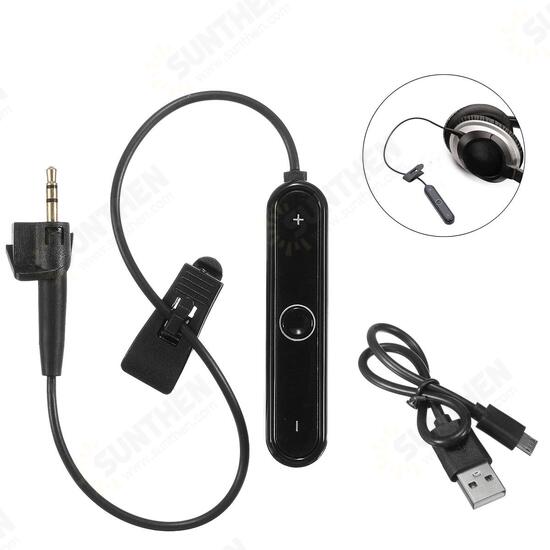
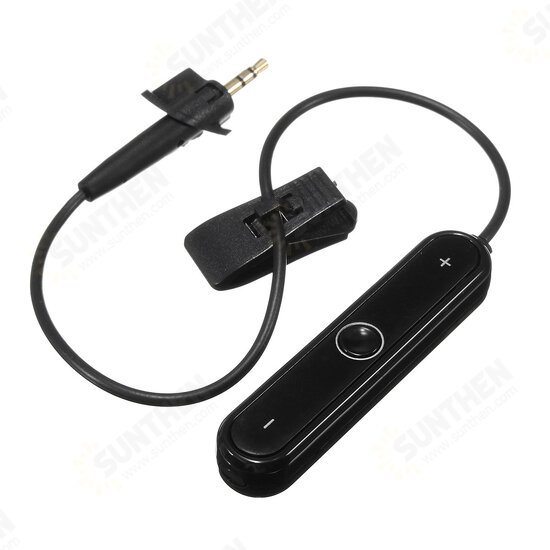
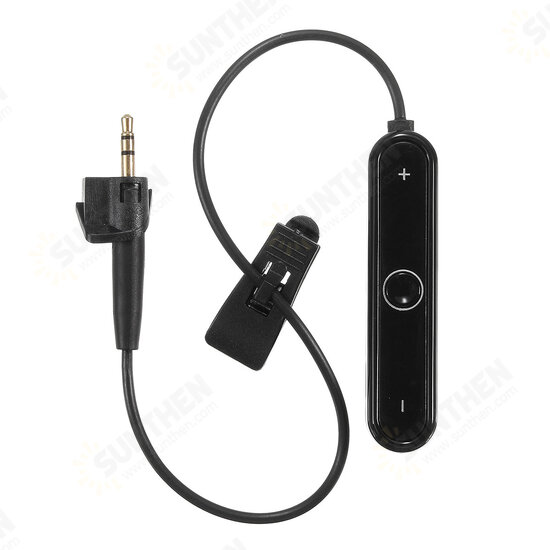
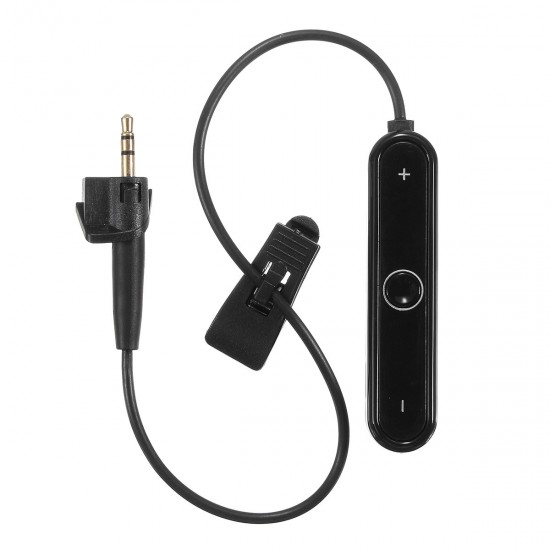
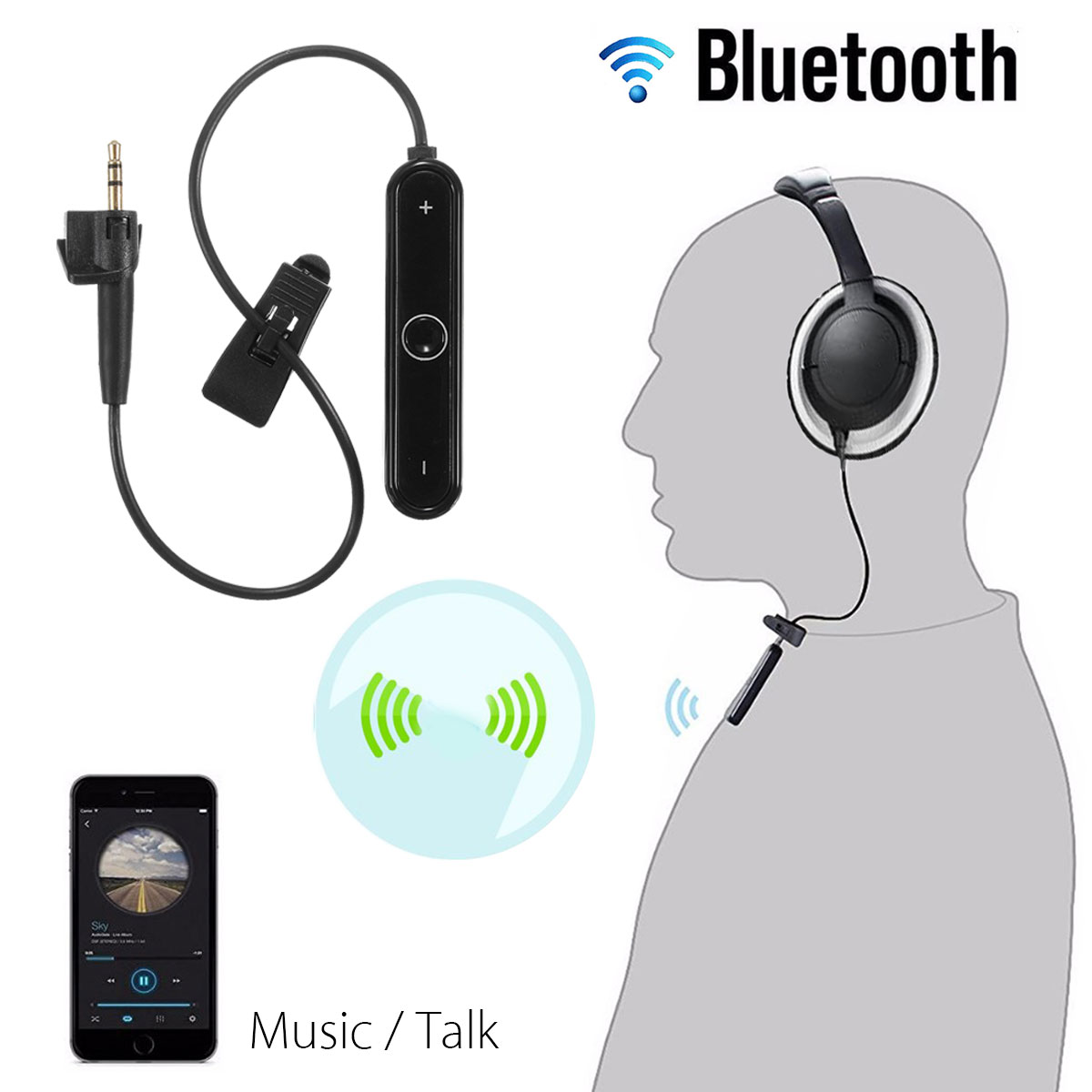
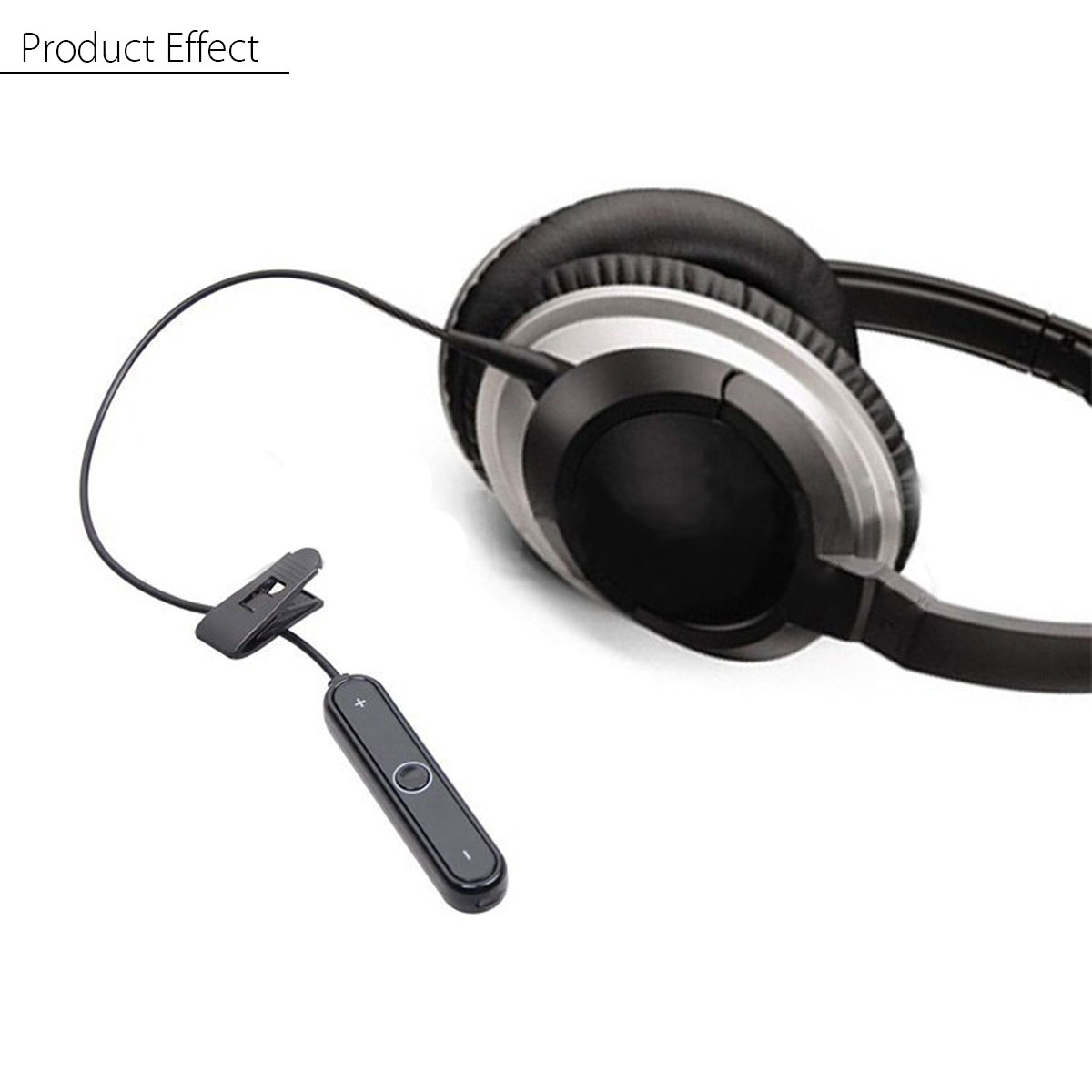
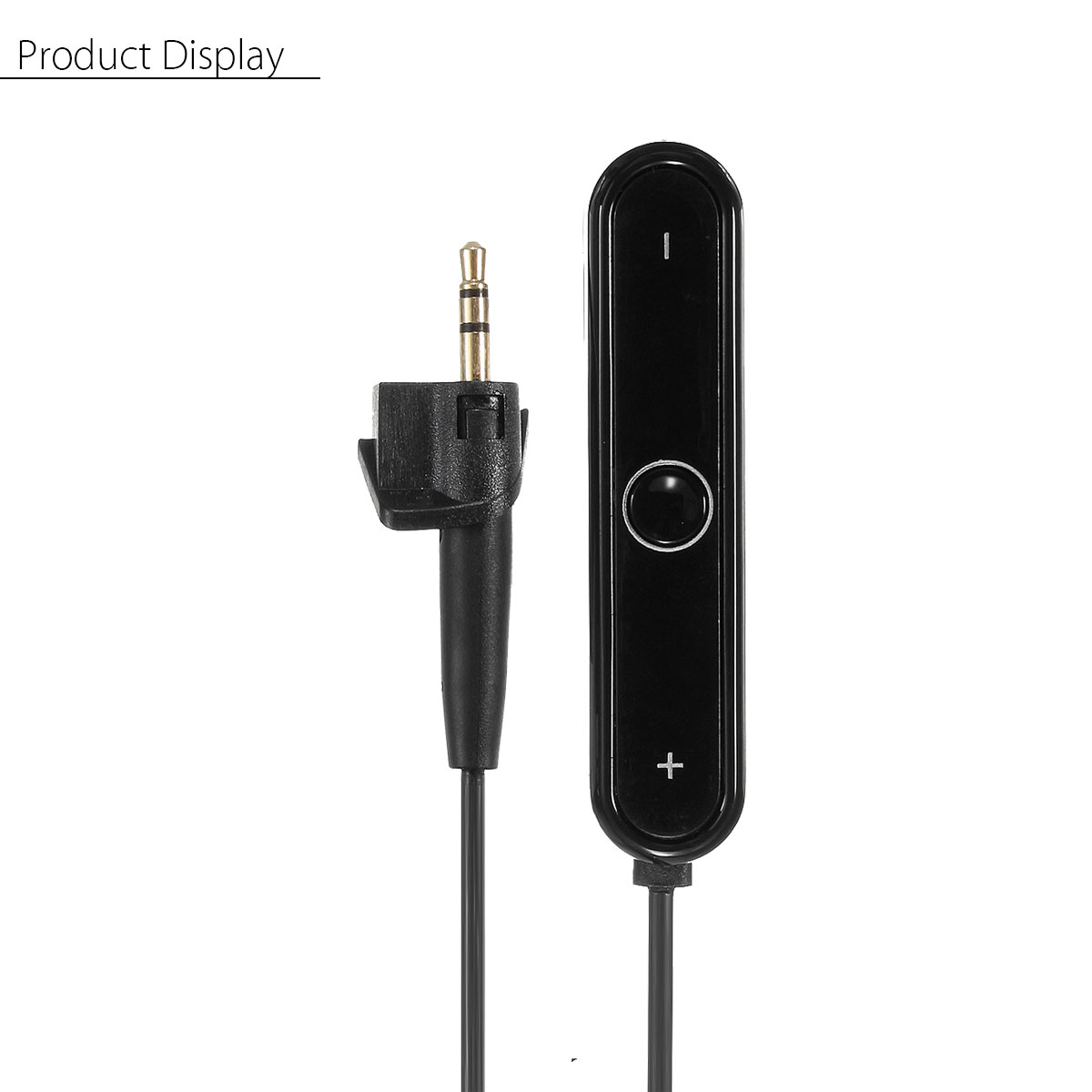
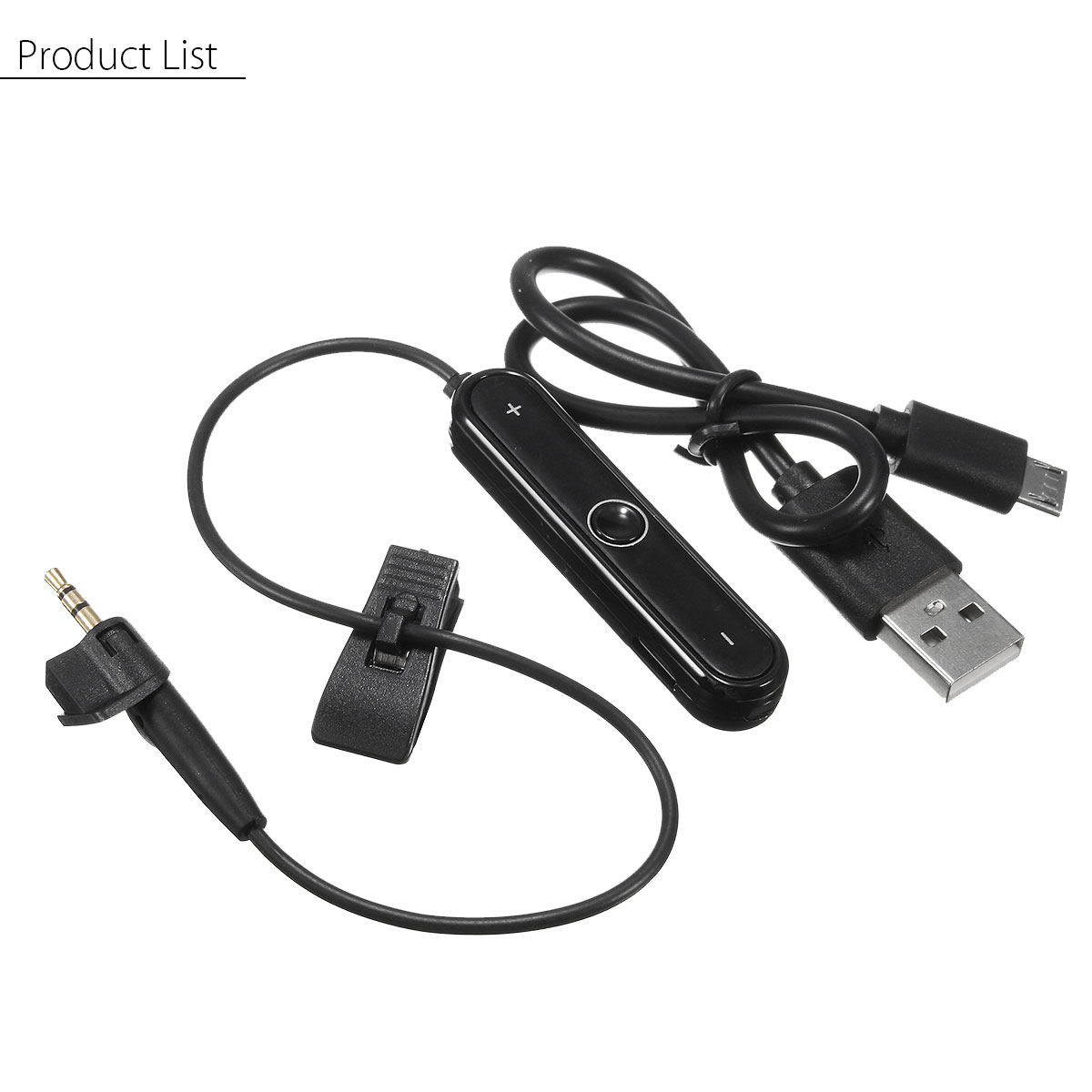
Turn your compatible wired over-ear headphones into a fully wireless headset with this Bluetooth cable converter receiver. This aftermarket third-party accessory works for AE2, AE2i and AE2w headphone models, adding wireless streaming, hands-free calling and convenient inline controls without replacing your existing headphones. It integrates a built-in microphone, volume adjustment and media buttons for easy operation during daily use.
Key Features
- Converts supported wired headphones into wireless Bluetooth headsets
- Built-in microphone for hands-free phone calls
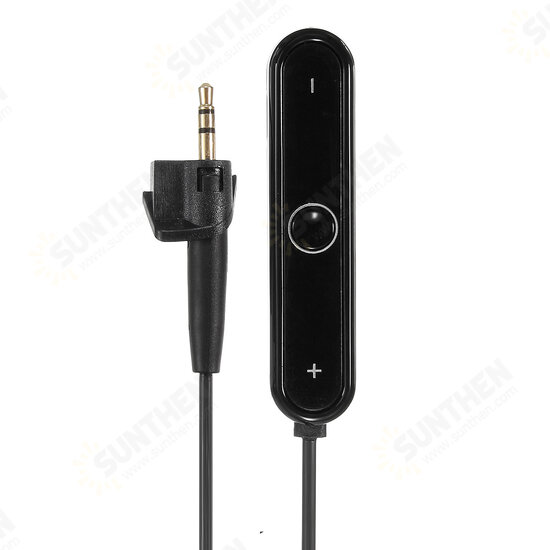
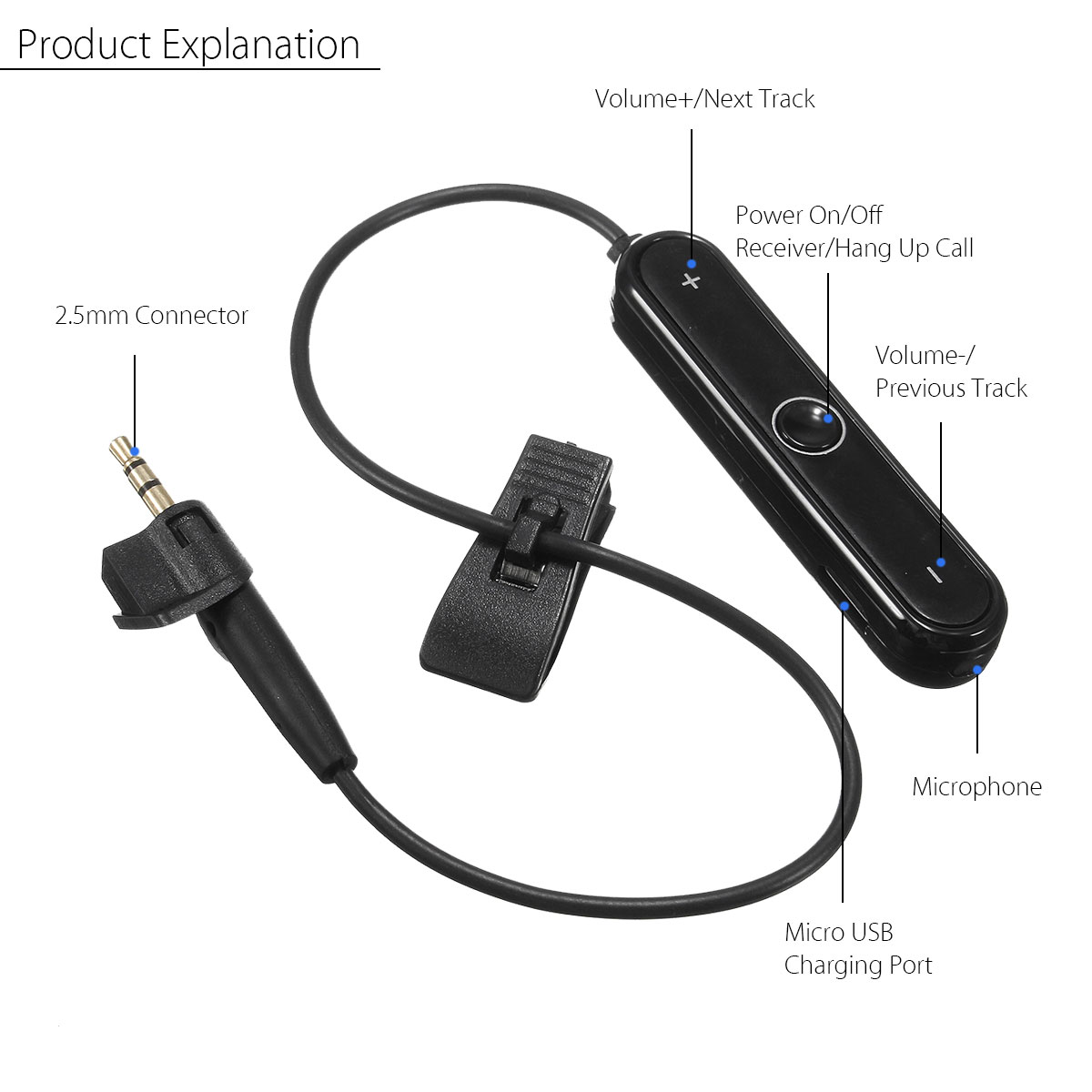
- In-line physical controls for volume adjustment, track skip, play / pause and call handling
- Dual-device multipoint connection, can pair with two mobile phones simultaneously
- Voice status prompts for power-up, power-down and Bluetooth pairing
- Supports last-number redial with simple button operation
- Compact clip-on design for secure clothing attachment when in use
Technical Specifications
| Product | Bluetooth Audio Receiver Cable (Aftermarket Accessory) |
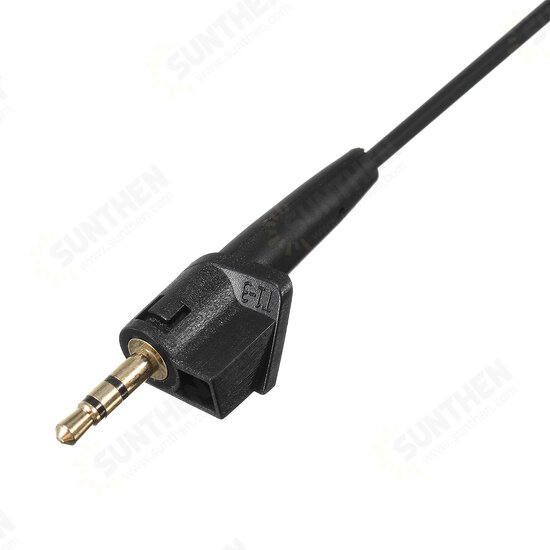
| Compatible Devices | AE2, AE2i, AE2w over-ear headphones |
| Bluetooth Version | Bluetooth 4.1 |
| Supported Profiles | HFP v1.6, HSP v1.2, A2DP v1.3, AVRCP v1.5, SPP v1.2 |
| Audio Codec | SBC, MP3, AAC Stereo |
| Wireless Range | Up to 10 meters |
| Battery Capacity | 120 mAh |
| Working Play Time | 8-10 hours |
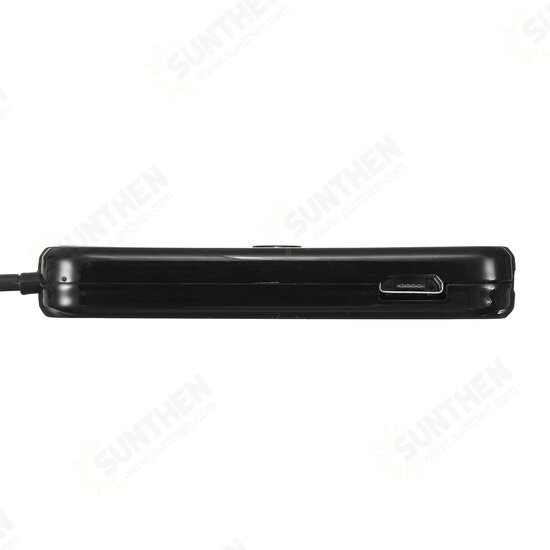
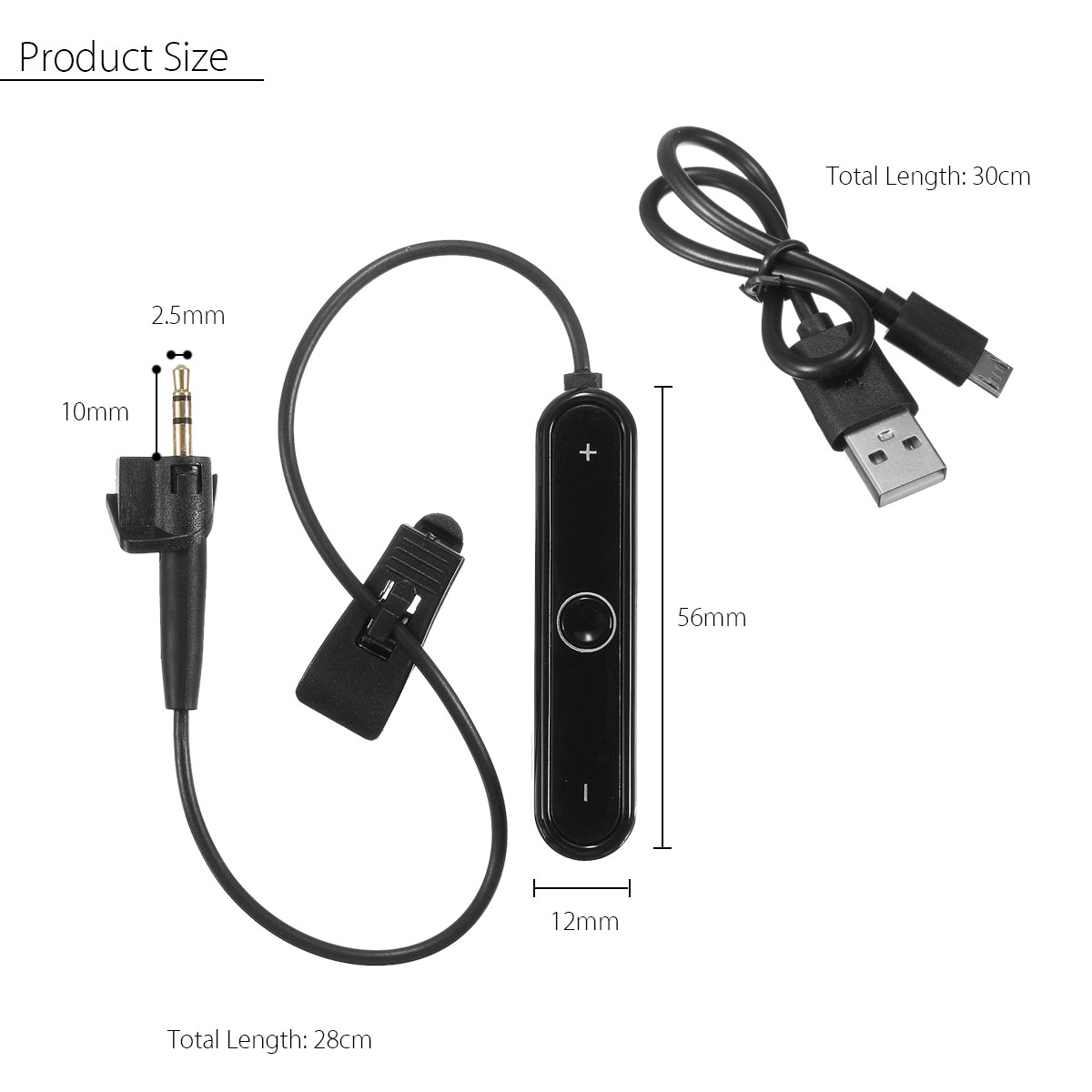
| Main Unit Size | 56 × 12 × 8 mm |
| Connector | 2.5 mm (2.5×10 mm) |
| Converter Cable Length | 28 cm |
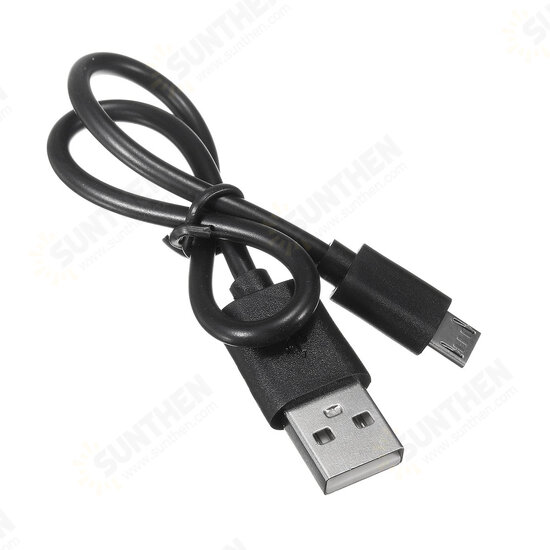
| USB Charging Cable Length | 30 cm |
| Material | Plastic |
| Color | Black |
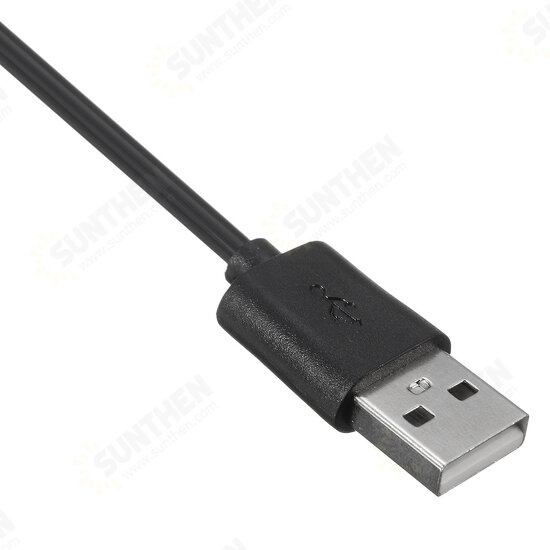
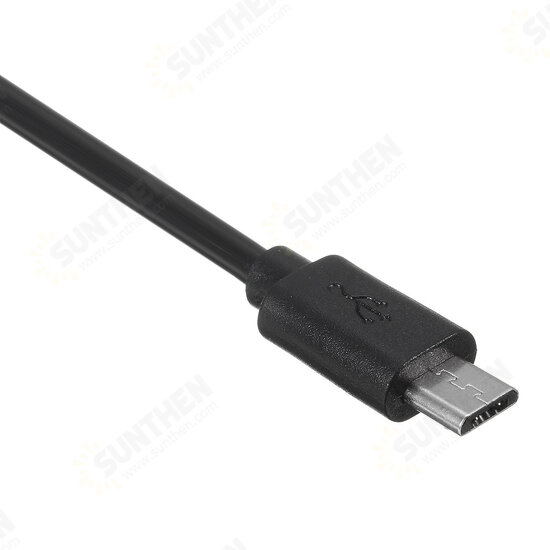
| Charging Interface | Micro-USB |
Operation Instructions
Power On / Off
Power On: Long-press the main answer button until you hear the power-on voice prompt; blue LED indicator flashes.
Power Off: Long-press the main answer button until you hear the power-off voice prompt.
Charging
Red LED light illuminates while charging; LED turns blue when battery is fully charged.
Button Functions
- Volume+: Long press to raise volume; short press to skip to next track
- Volume-: Long press to lower volume; short press to return to previous track
- Central Multi-function Button: Short press for play / pause music; short press to answer or hang up phone calls; double-tap to redial the most recent outgoing call.
Bluetooth Pairing
1. Single-device pairing
Long-press the multi-function button until you hear pairing prompt tone, blue and red LED flash alternately. Locate the receiver device name on your phone Bluetooth list and connect. A voice prompt confirms successful connection, blue light will flash normally.
2. Two-device multipoint connection
Enable Bluetooth on both mobile devices. Activate pairing mode on the receiver. Connect the first phone, then search and connect the second phone sequentially. Voice prompts confirm each successful connection.
Package Contents
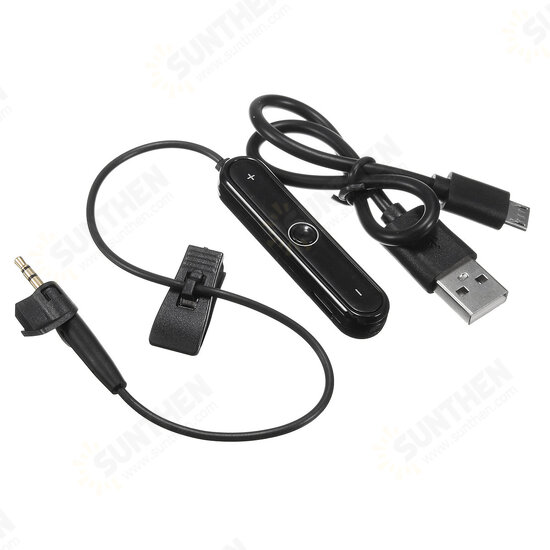
- 1 × Bluetooth Cable Converter Receiver
- 1 × Micro-USB Charging Cable
Important Notice: This is a compatible third-party replacement accessory, not produced by the original headphone manufacturer. It is only suitable for the listed headphone models. Headphones shown in photos are for demonstration only and not included in package.
 ,
, ,
, ,
, ,
, ,
,
![[bluetooth 5.0] TWS True Wireless Earphone 3D Stereo Bass Bilateral Call Headphone with Charging Box](https://www.sunthen.com/image/cache/catalog/Earbud-Headphones-and-Earphones/bluetooth-50-Aipao-TWS-True-Wireless-Earphone-3D-Stereo-Bass-Bilateral-Call-Headphone-with-Charging--1425918-2228-250x250.jpeg "[bluetooth 5.0] TWS True Wireless Earphone 3D Stereo Bass Bilateral Call Headphone with Charging Box")
![[bluetooth 5.0] TWS True Wireless Earphone 3D Stereo Bass Bilateral Call Headphone with Charging Box](https://www.sunthen.com/image/cache/catalog/Earbud-Headphones-and-Earphones/bluetooth-50-Aipao-TWS-True-Wireless-Earphone-3D-Stereo-Bass-Bilateral-Call-Headphone-with-Charging--1425918-1-250x250.jpeg "[bluetooth 5.0] TWS True Wireless Earphone 3D Stereo Bass Bilateral Call Headphone with Charging Box")