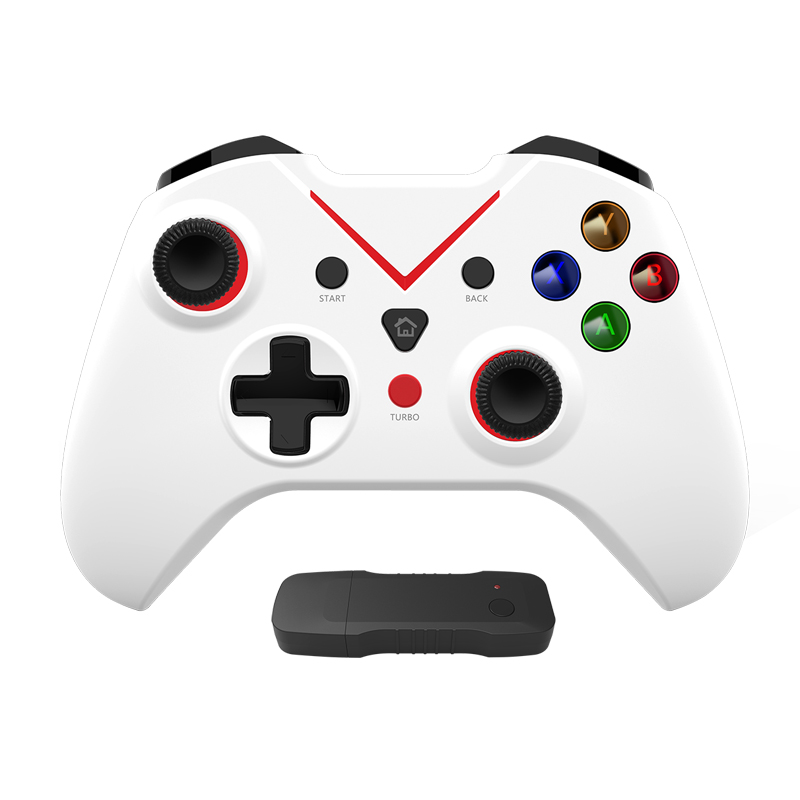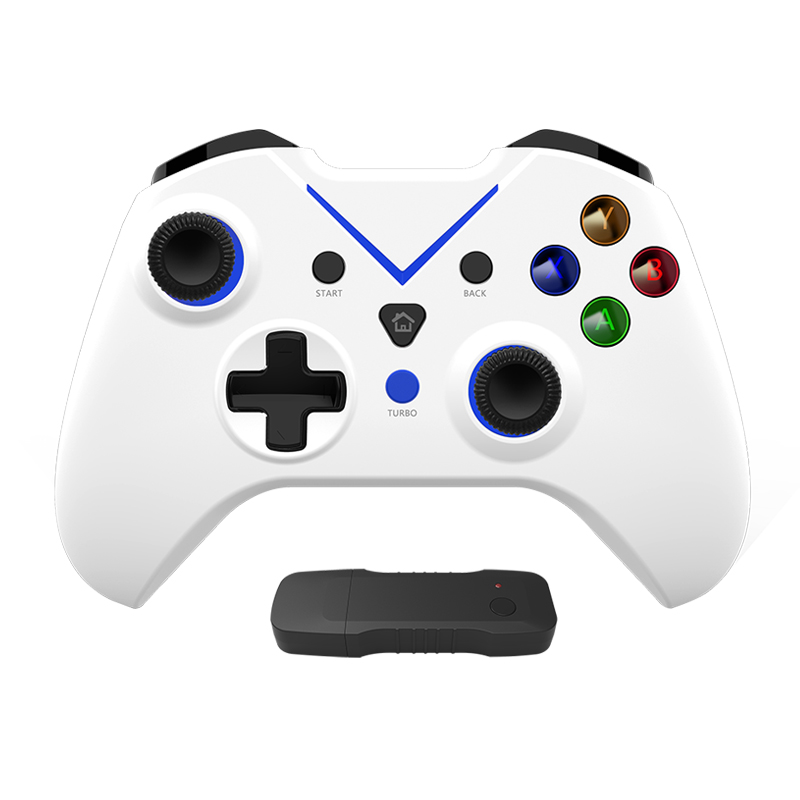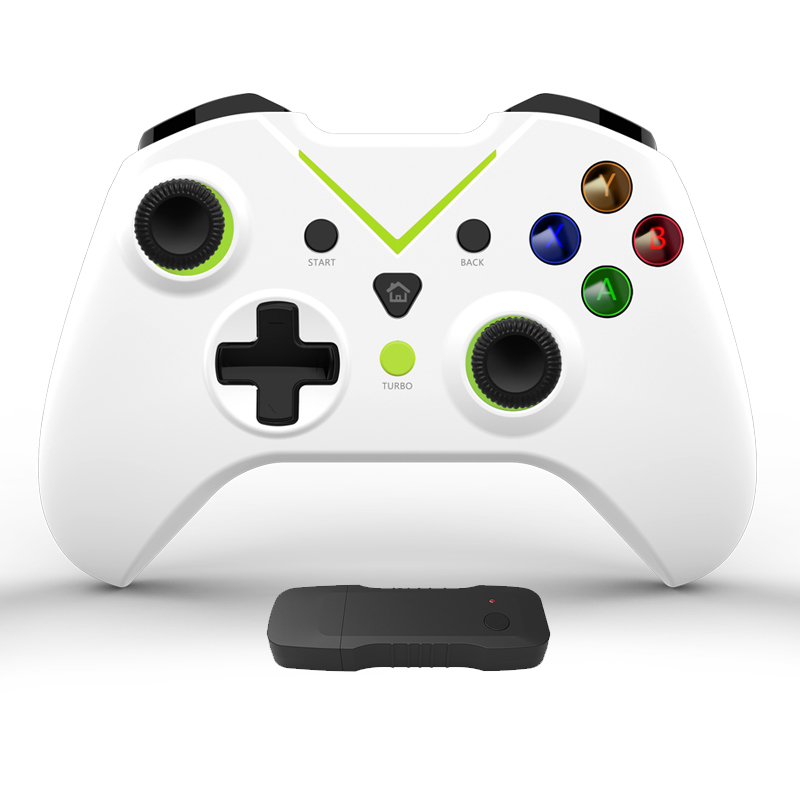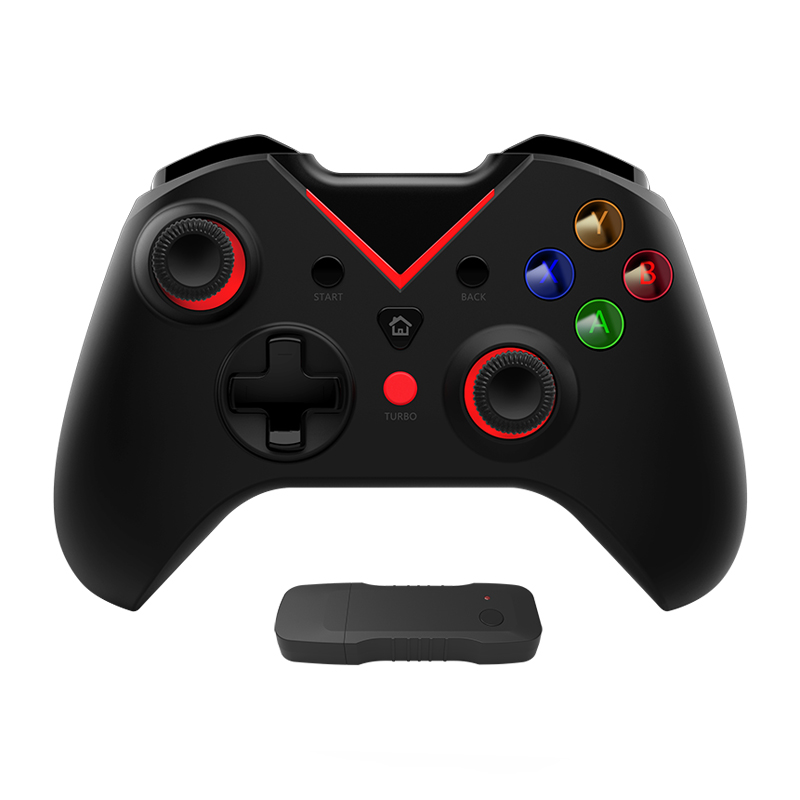
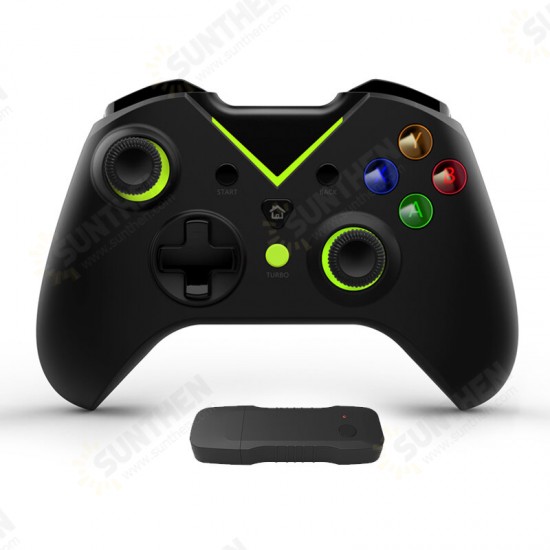
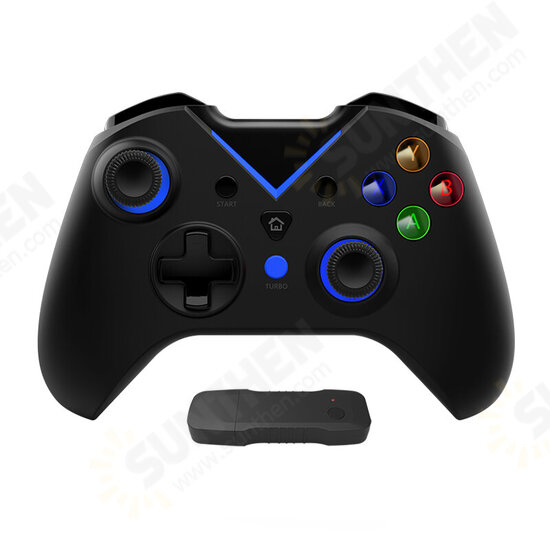
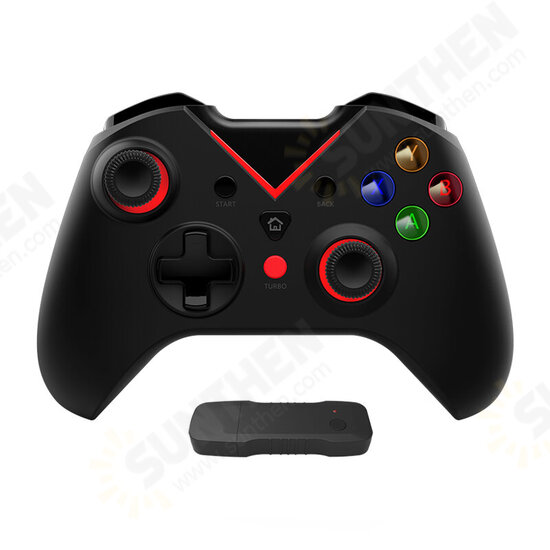
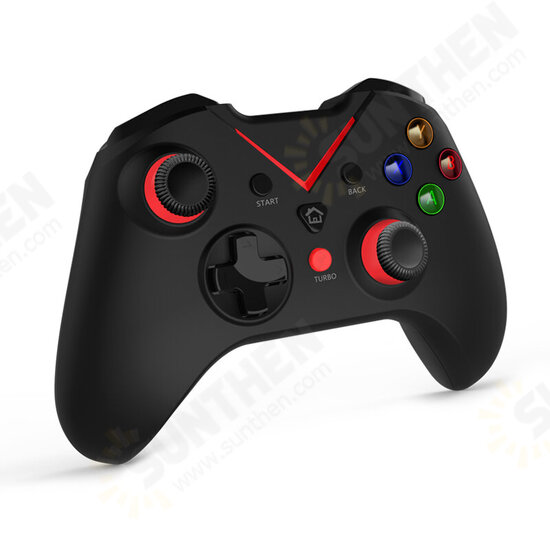
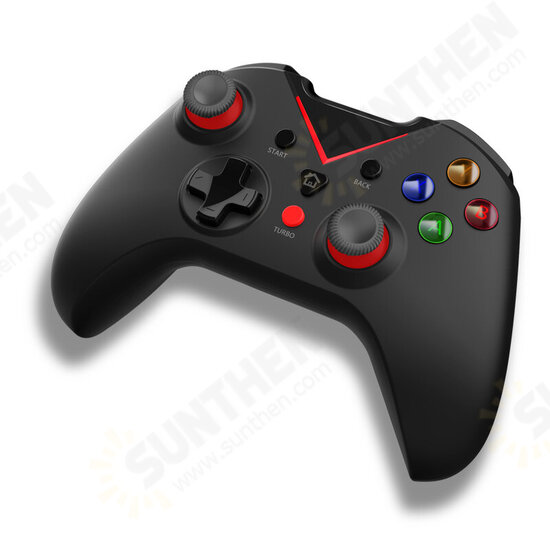
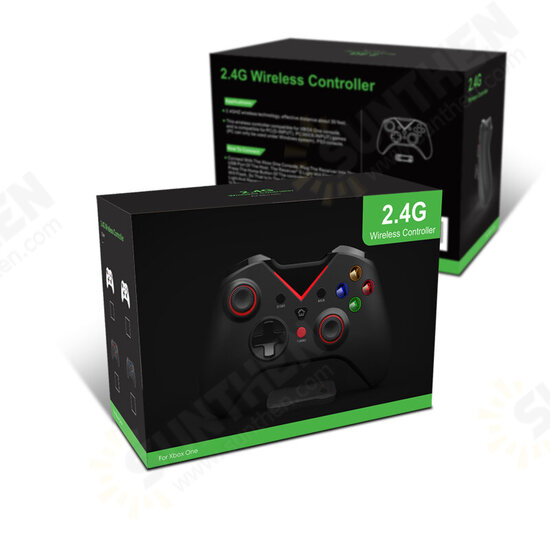


- Stock: In Stock
- Model: ST230050888
- SKU: ST230050888
Product Overview
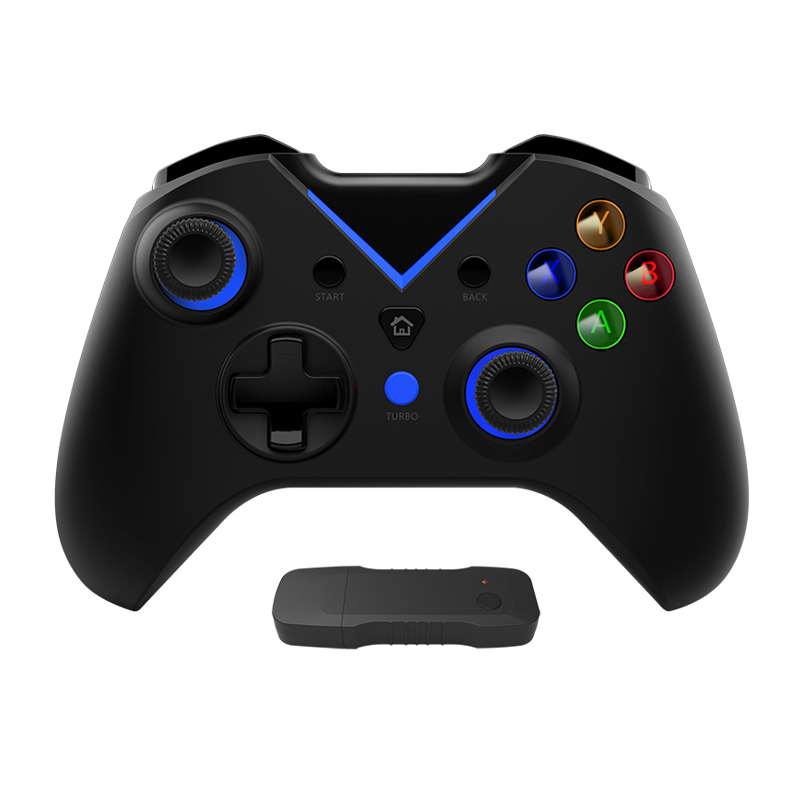
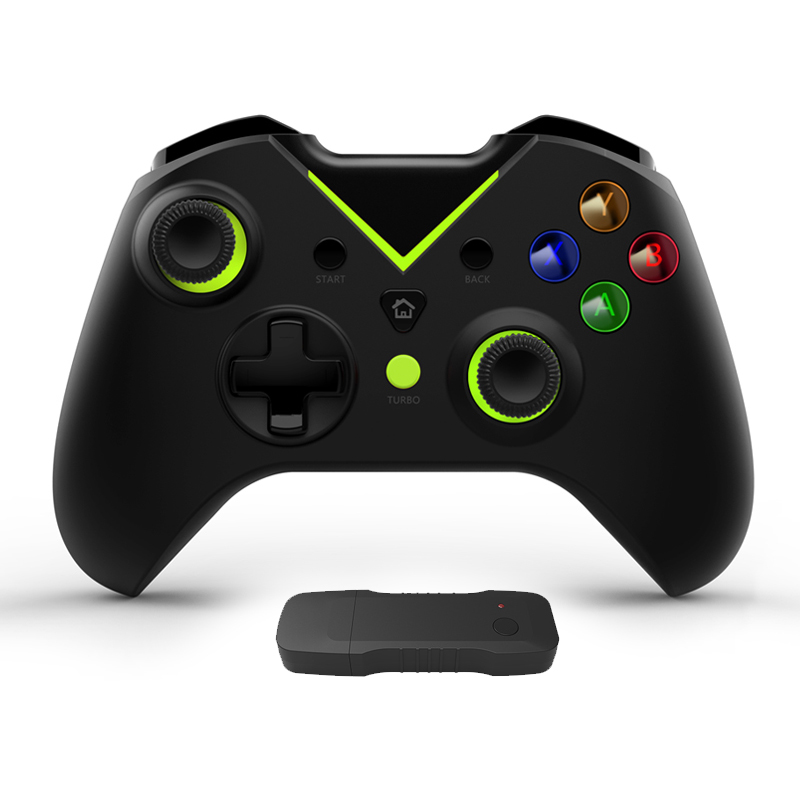
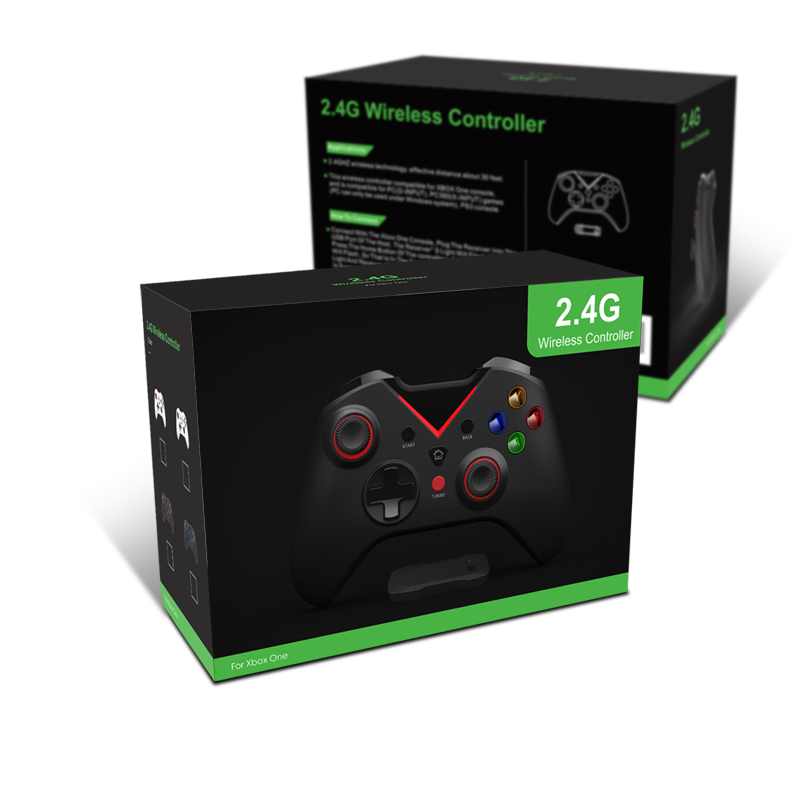
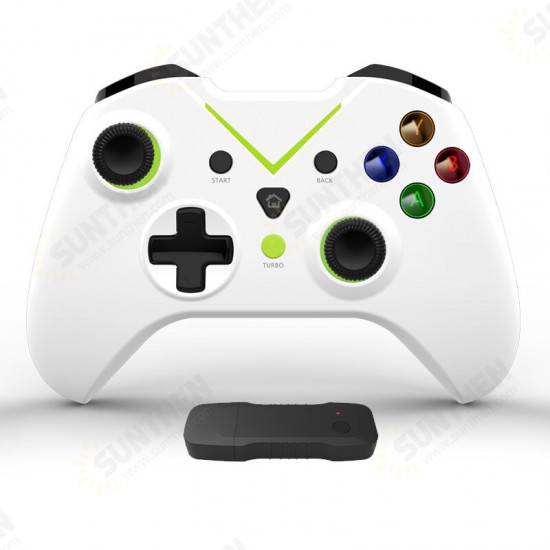
This aftermarket third‑party 2.4G wireless multi‑platform game controller is universal gaming peripheral for multiple compatible hardware systems. It connects through a dedicated 2.4G USB receiver for stable wireless input. Built‑in 600mAh polymer lithium battery for cord‑free gaming. Integrated dual‑motor vibration feedback and six‑axis gyroscope somatosensory sensor, plus practical TURBO auto‑fire function. ABXY action buttons are equipped with indicator lights. On Windows PC, users may toggle between Dinput and Xinput input modes by long‑pressing the HOME button. Various exterior‑color selections are provided to match personal preference.
Key Features
- 2.4G wireless game controller with dedicated USB receiver for low‑lag wireless connection
- Built‑in 600mAh polymer lithium rechargeable battery
- Dual‑motor vibration feedback + six‑axis gyroscope somatosensory function
- TURBO auto‑fire function; illuminated ABXY action buttons
- Support Dinput / Xinput mode quick‑switch under Windows system
- Light‑weight 213g body, ergonomic hand‑held shape for long‑time gaming
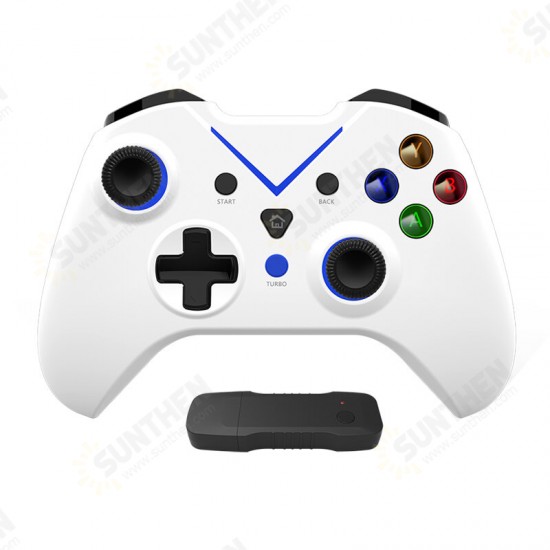
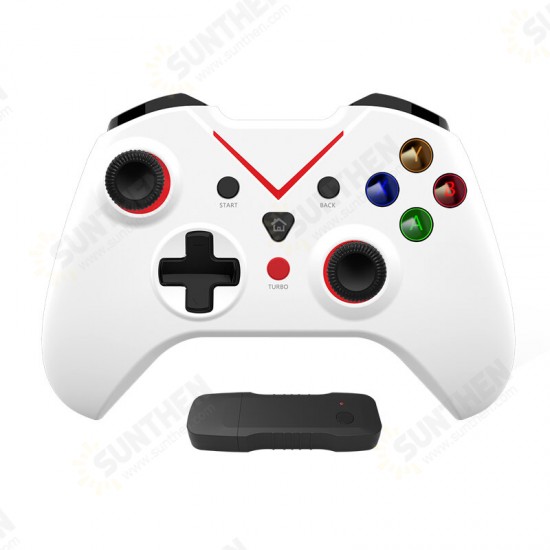
- Multiple color‑scheme options, cross‑system compatible for game console, PC and Android hardware
- Auto‑reconnect to last paired receiver after power‑on; auto shut‑down for pairing timeout
Technical Specifications
| Product | 2.4G Wireless Multi‑Platform Game Controller (Aftermarket Universal Gaming Peripheral) |
| Connection | 2.4G Wireless via USB Receiver |
| Built‑in Battery | 600mAh Polymer Lithium Battery |
| Net Weight(Gamepad+Receiver) | 213 g |
| Physical Dimension | 15 cm × 6 cm × 11.5 cm |
| Core Functions | Dual‑Vibration, Six‑Axis Gyro, TURBO Auto‑Fire, Illuminated ABXY Buttons |
| PC Input Mode | Switchable Dinput / Xinput |
| Accessory Cable Length | 1 m USB charging cable |
Package Contents
- 1 × 2.4G Wireless Game Controller
- 1 × 2.4G USB Wireless Receiver
- 1 × 1M USB Charging Cable
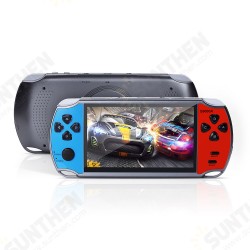
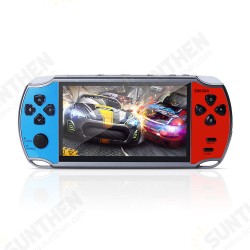
Important Notice: This is a universal aftermarket gaming peripheral. Game console, PC and Android device shown in demo photos is for illustration only and NOT included. On Windows PC, long‑press HOME button for 5‑7 seconds to toggle Dinput / Xinput mode. Controller will automatically shut down if pairing cannot finish within 30 seconds. Please double‑check your target hardware‑system compatibility before placing your order.